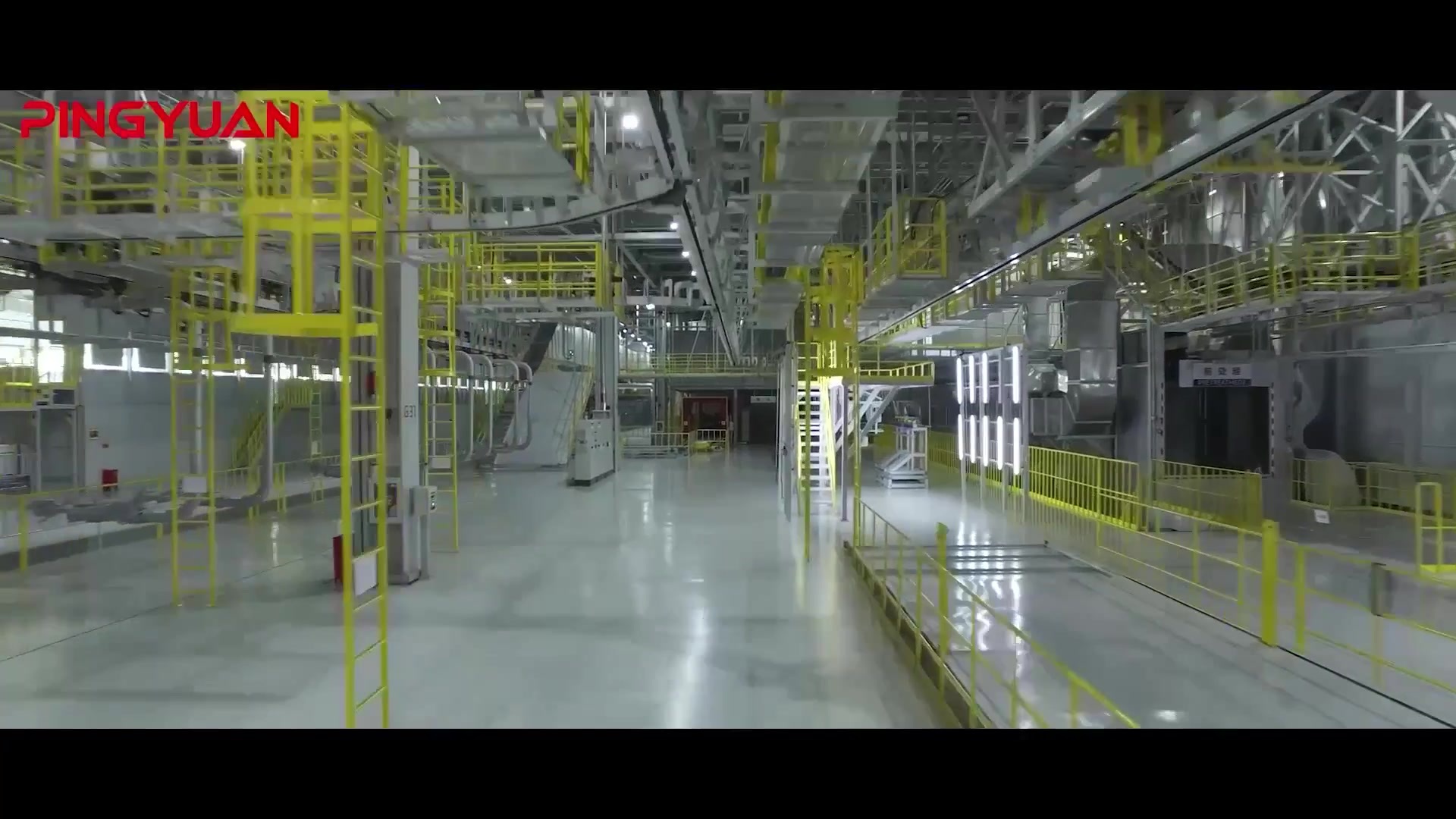

我们是智能自动化生产线系统的集成商,为客户提供一体化解决方案
1500+来自全球的工作人员为您提供服务和支持
700+行业成功案例
1000+合作伙伴
ABOUT US
平原智能
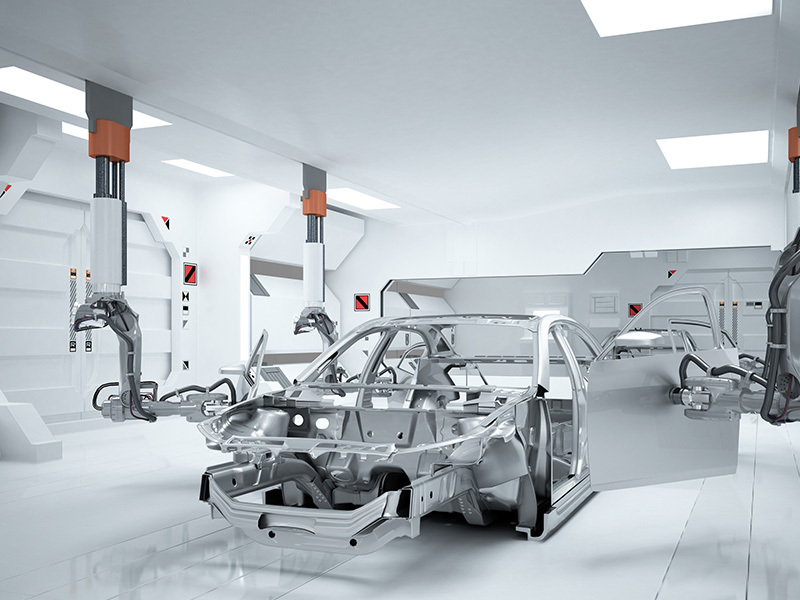
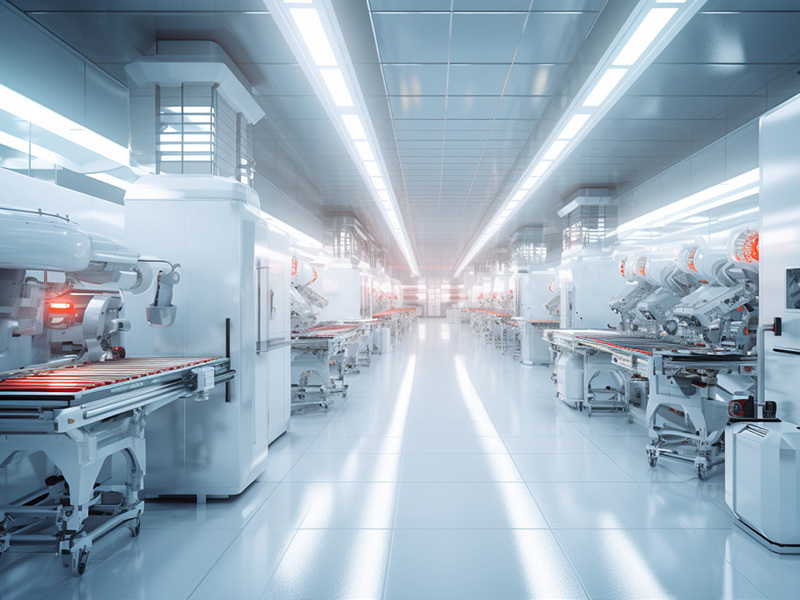
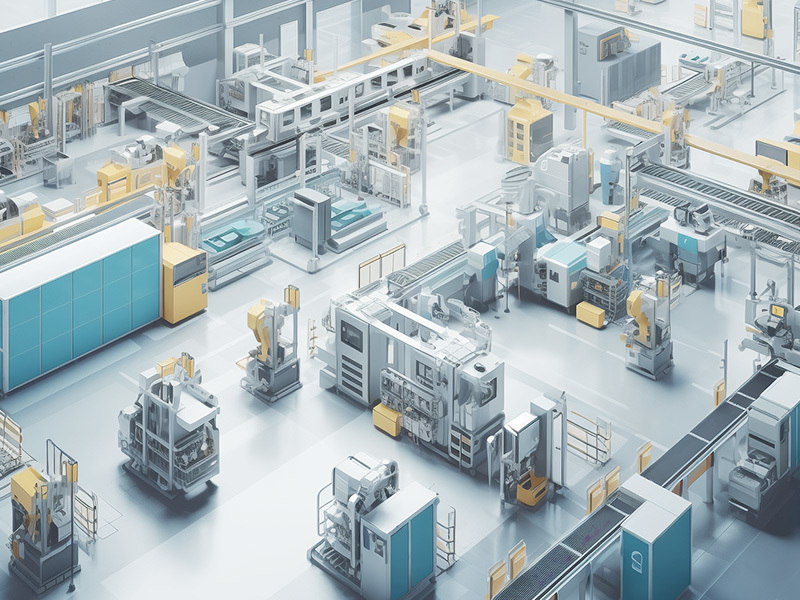
河南平原智能装备股份有限公司,简称“平原智能”,创立于1988年,注册资本8713万元。公司于2014年在“新三板”挂牌,创新层公司,股票代码830849。平原智能是智能自动化生产线系统的集成供应商,始终秉承“专心、专业、专长”的企业宗旨和“用户至上、质量至上、信誉至上”的经营理念,主要从事自动化涂装生产线、焊装生产线、总装生产线的设计研发、制造和安装调试,喷涂打胶机器人的集成等业务,为客户提供一站式“交钥匙”工程。
ABOUT US
郑州技术中心
郑州技术中心位于郑州市北环路73号瀚海北金A座15楼,设立技术部、非标技术部、机运技术部、电气技术部、工艺研发部等部门,拥有研发技术人员180多人。公司始终坚持以创新为导向,近年来一直加大对研发的投入,近三年研发投入超1.2亿元,已获得170项国家专利,发明专利14项,专有技术13项。近期公司还与高校签约进行产学研合作,校企双方优势互补、互利双赢、共同发展。
ABOUT US
开封制造工厂
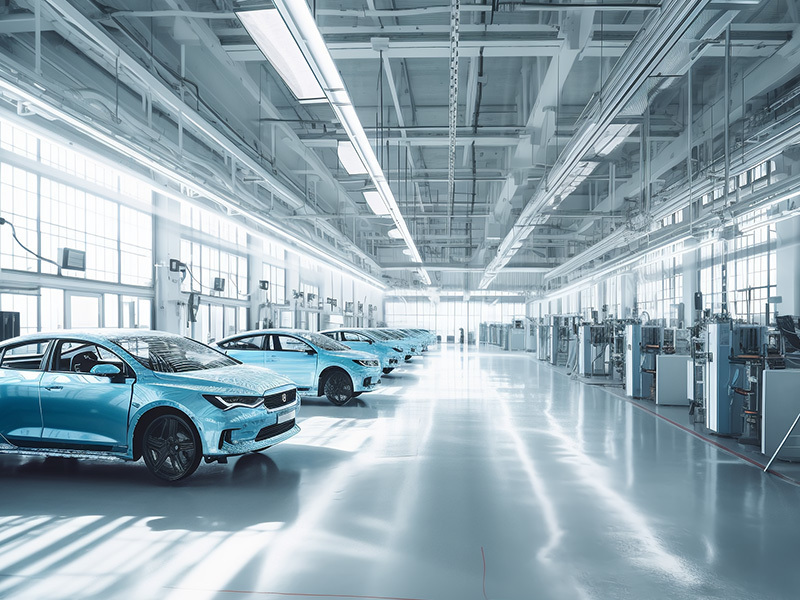
开封智能制造工厂位于开封市城乡一体化示范区,占地面积245余亩,建筑面积超16万㎡,拥有意大利萨瓦尼金属板材柔性生产线,及双机联动6.4米折弯机、30工位自动冲床、数控切割机、激光切割机、自动管道焊接机等各类专业生产和检测设备500多台(套)。公司建有技术研发中心,针对客户的需求,进行新技术和新产品的研发以及工艺流程的改进,保障技术创新全过程实施。
ABOUT US
洛阳制造工厂
洛阳工厂于2020年建成投入使用,位于洛阳嵩县产业集聚区,占地面积150亩,建筑面积3.5万㎡,洛阳工厂的设立,扩大了公司制造能力,同步推进自动化焊装生产线业务的产业化,提升公司整体装备实力。
ABOUT US
上海拔山
上海拔山自动化技术有限公司是一家致力于自动化应用领域工业机器人系统集成的创新型公司。公司成立于2011年,办公地上海市松江区启迪科技园紫荆园,注册资本3000万元整,办公室面积800㎡,预装车间3000㎡,现有员工130余人。公司下设机器人&流体应用事业部和焊装事业部,能够为客户提供项目过程中的技术咨询、方案规划设计、制造、安装、调试、培训、备件供应与售后服务。公司成立十余年来,已为国内外众多设计院、中高端整车厂、工程机械龙头企业提供自动化机器人集成应用解决方案和项目,并获得客户广泛好评。
ABOUT US
上海众冠
上海众冠智能设备有限公司成立于2016年4月,是河南平原智能装备股份有限公司(股票代码830849)全资子公司。位于上海松江区明南路85号G60科创园。办公面积800㎡,预装车间6000㎡。现有员工120余人,公司主要提供白车身焊装线、汽车零部件自动化焊接线、一般工业自动化焊接线,致力于为客户提供系统解决方案及交钥匙工程。公司自成立以来已成功为上汽通用、上汽乘用车、上汽大众、奇瑞汽车、吉利汽车、长城汽车、长安汽车、北京汽车、北汽股份、合众新能源汽车、江淮汽车等知名整车制造厂提供先进的、高柔性的、全方位的白车身焊装生产线解决方案并为赛科利、博汇等知名汽车零部件企业提供高标准的点焊及弧焊工作站、焊接夹具及自动化检测、自动化涂胶、自动化凸焊等设备,同时也为三一重工、中联重科等工程机械龙头企业提供自动化焊接生产线规划及焊接自动化设备集成并得到广泛应用。
SERVICE DISTRIBUTION
业务分布

自然资源部 监制[审图号:GS(2016)1561号]
日本
缅甸
俄罗斯
白俄罗斯
伊朗
越南
印尼
泰国
巴西
墨西哥
古巴
摩洛哥
中国
NEWS CENTER
新闻资讯
河南平原智能装备股份有限公司
地址:河南省郑州市金水区北环路73号瀚海北金A座15楼(技术中心)
河南省开封市城乡一体化示范区杏花营王府街609号(生产基地)
SAF Coolest v1.3.1.1 设置面板 NIJSX-AQNP-BZXAE-SDA
无数据提示
Sorry,当前栏目暂无内容!
您可以查看其他栏目或返回 首页